

Sharing photos is part of how many dating-app conversations become more personal. A new photo can show your style, help confirm that you are both real people, or make a chat feel less formal. At the same time, every image can reveal more than the subject you intended to share. A background may show your workplace, building, street, gym, car plate, travel routine, or another person’s private information. A photo reused from social media may also make it easier to connect your dating profile to your full name or public accounts. Safer photo sharing is not about becoming suspicious of everyone. It is about deciding what access makes sense at each stage of a connection and taking a few seconds to check what the image says beyond “this is what I look like.”
In this article
A Photo Can Reveal More Than Your Appearance
When you look at a photo of yourself, your attention naturally goes to your face, body, expression, and whether you like the picture. A stranger may notice completely different details. A badge can reveal where you work. A distinctive apartment view can narrow down where you live. A boarding pass, delivery label, school logo, family photo, or vehicle plate can expose information you never meant to share.
This is why photo privacy works best as part of your broader approach to protecting your identity, photos, and location while dating. You do not need to remove every clue from every image. Instead, match the amount of detail to how well you know the person and whether that detail would matter if the image left the chat.
Check the Background Before You Check Your Face

Before sending, scan the whole frame from edge to edge. Look for visible addresses, mail, access cards, screens, uniforms, name badges, hotel room numbers, building signs, or reflections in mirrors and windows. Photos taken at home deserve extra attention because repeated images can reveal the layout of your space or a recognizable view outside.
Location clues can also come from routines rather than exact addresses. A photo that clearly shows the same small gym, neighborhood café, or transit stop you visit every morning may tell someone where you are likely to be found. The eSafety Commissioner recommends minimizing personal information on dating profiles and being cautious about images that make it easier for others to discover more about you. A simple crop, blur, or different photo is often enough.
Think About Where Else the Photo Exists
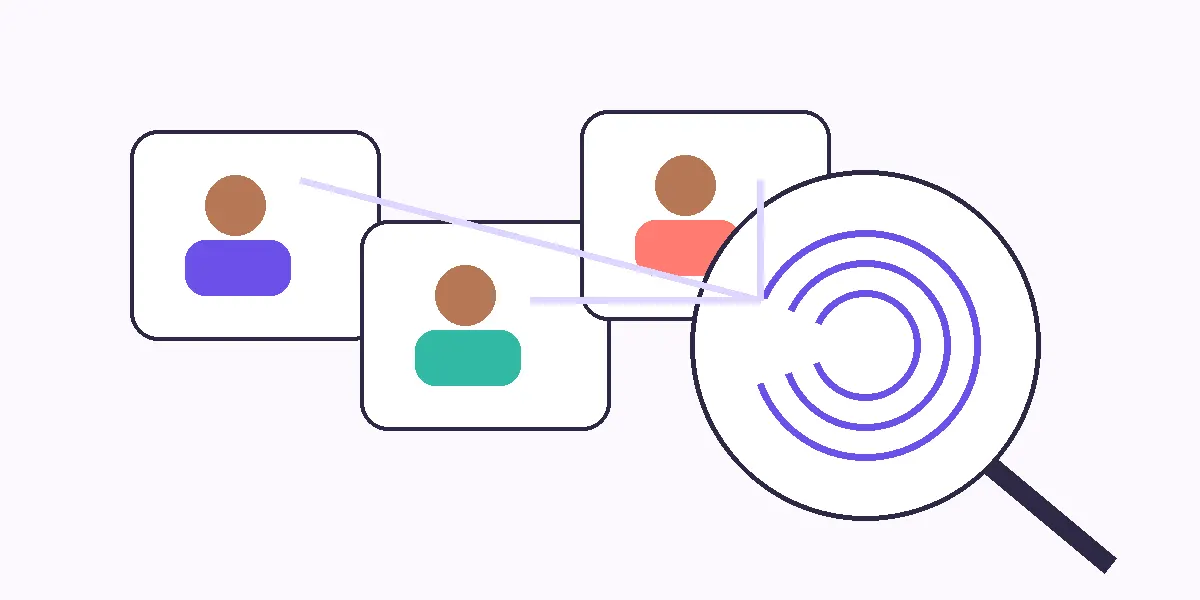
Using the exact same image on a dating app and a public social profile can make identity matching easier. Someone may be able to use image-search tools or simply recognize the picture elsewhere. That does not mean you need a completely separate photo library for dating, but it is worth deciding how easily you want a new match to move from your dating profile to your full online identity.
The eSafety Commissioner specifically advises caution with photos already used on social media because reverse-image searching may connect them with other information. If privacy matters to you, choose a dating photo that is not your current LinkedIn headshot, public Instagram profile picture, or another image strongly associated with your name. You can still look recognizably like yourself without making every account immediately linkable.
Verification Photos and Private Photos Serve Different Purposes
Sometimes a match asks for another photo because he wants reassurance that your profile is genuine. That can be reasonable, but you are not required to provide increasingly personal images to prove you are real. A current, ordinary photo can answer the authenticity question without revealing your home, workplace, friends, or body in ways you do not want.
Where available, app-based photo or identity verification may offer another signal, although verification does not guarantee that someone is trustworthy. The eSafety Commissioner notes that some dating services offer photo or identity verification, while also recommending that users check privacy, location, blocking, and reporting features. Think of verification as one piece of information rather than permission to drop normal boundaries.
Treat Intimate Photos as a Separate Decision
An intimate photo is not just a more revealing version of a normal selfie. The consequences of losing control of it can be very different. Before sending one, consider whether your face, tattoos, room, jewelry, or other identifiers appear in the frame and whether you would still be comfortable if the recipient kept a copy. Disappearing messages and view-once features can reduce casual persistence, but they cannot guarantee that an image will never be captured or copied.
Consent also continues after the image is sent. Receiving a private photo does not create permission to show, forward, post, or threaten to share it. The U.S. Federal Trade Commission describes nonconsensual sharing or threats involving intimate images as image-based abuse. If you are unsure about the person, feel pressured, or simply do not want to send one, “no” is a complete answer.
Photo Requests Can Tell You Something About the Person
The way someone asks matters. A respectful match can request a photo and accept that you may decline, delay, or choose a different image. Pressure changes the situation. Repeated demands, insults, threats to stop talking, or claims that you “owe” a photo because he sent one first are useful warning signs.
Be especially cautious if the request escalates quickly from ordinary selfies to sexual images, identifying documents, financial screenshots, or other material unrelated to dating. Romance scammers may use stolen photos and false profiles, and the FTC recommends reverse-image searching suspicious profile pictures when details do not add up. No single unusual request proves that someone is a scammer, but pressure plus inconsistent identity information is a reason to slow down.
What to Avoid Showing in a Dating Photo
You do not need a perfectly anonymous background. Focus on details that could create unnecessary access or risk.
- Work IDs, uniforms, desks, or internal screens: These may reveal your employer, role, schedule, or workplace security information.
- Home addresses and recognizable entryways: Mail, unit numbers, building names, and distinctive entrances can make your home easier to identify.
- Children or other people who did not agree to be included: Their privacy matters too, especially when a dating profile is visible to strangers.
- Travel documents and tickets: Passports, boarding passes, booking codes, and hotel details can expose personal or itinerary information.
- Vehicle plates, permits, or parking stickers: These can connect an otherwise casual photo to your vehicle, workplace, or residence.
- Screens and reflections: Mirrors, televisions, laptops, and glossy surfaces may reveal information that was outside your intended frame.
- Intimate identifiers you did not notice: Tattoos, room features, or distinctive objects can make a private image easier to connect back to you.
Use a Quick Before-You-Send Check
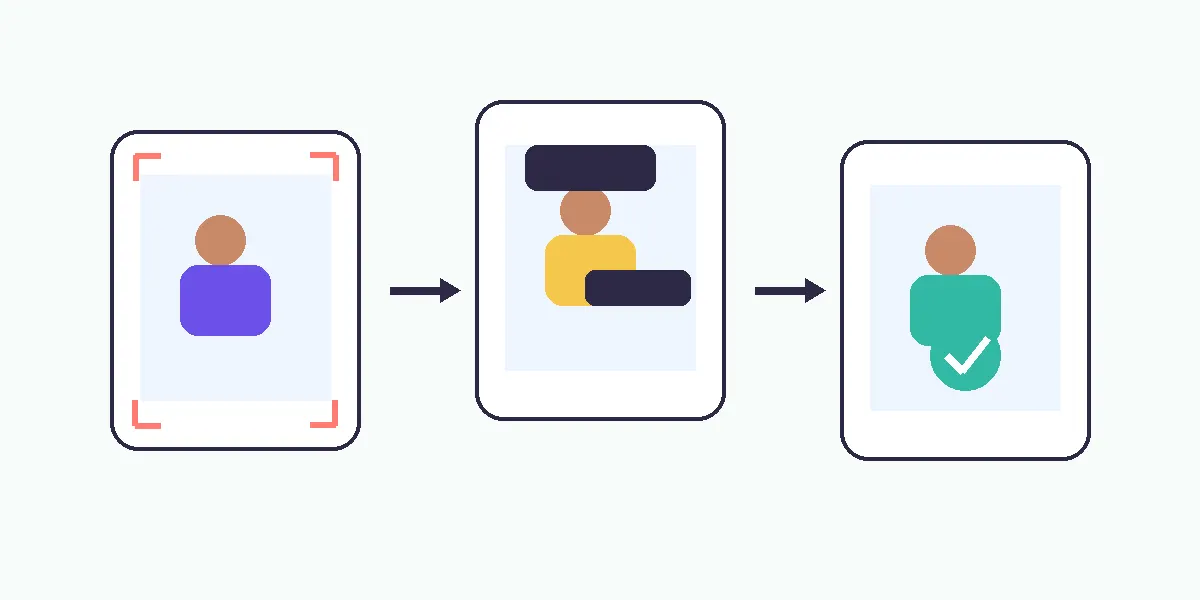
A short routine is easier to follow than trying to remember every privacy rule.
| Check | Ask yourself | Easy fix |
|---|---|---|
| Background | Is there an address, workplace clue, badge, screen, or recognizable location? | Crop, blur, retake, or choose another image |
| Reuse | Is this exact photo strongly tied to my public identity elsewhere? | Use a different but current photo |
| Other people | Does the image expose someone who did not choose to be part of my dating profile? | Crop them out or use another photo |
| Intimacy | Would I still be comfortable if the recipient retained a copy? | Do not send, or choose a less identifying image |
| Pressure | Am I sending because I want to, or because I feel pushed? | Slow down and keep the boundary |
| Trust | Does this level of access match how well I know this person? | Share less until the connection develops |
The goal is not zero risk. It is making the sharing decision intentional.
If a Photo Is Misused, Focus on the Next Useful Step
If someone shares, threatens to share, or uses a private image to control you, save relevant evidence when it is safe to do so and use the platform’s reporting and blocking tools. Do not assume that complying with new demands will make the threat disappear. If money, passwords, login codes, or more images are being demanded, stop and get support rather than negotiating alone.
For intimate-image abuse, available reporting and removal options vary by country and platform. The FTC provides current guidance on image-based abuse in the United States, while other countries have their own reporting bodies. The important point is that misuse is a separate decision made by the other person. You can respond by limiting further access, documenting what happened, and using the reporting options available to you.
Sharing Photos Safely Is About Controlling Access
You do not need to turn photo sharing into an investigation every time you like someone. Most of the work can happen in a few seconds: look beyond your face, notice what the background reveals, think about where the image already exists, and decide whether this person needs that level of access yet.
As trust develops, you may naturally share more. That is different from sharing quickly because you feel pressured to prove attraction, authenticity, or interest. A good dating connection can tolerate reasonable privacy. The safest photo is not always the least personal one; it is the one you chose with a clear idea of what it reveals, who is receiving it, and whether you are comfortable with that possibility after you press send.
References
- eSafety Commissioner — Online dating: How to stay safe: Practical guidance on dating-profile privacy, photo reuse, location, verification, blocking, and reporting.
- Federal Trade Commission — Image-Based Abuse: What To Know and Do: Current guidance on nonconsensual intimate images, threats to share them, and practical response options.